

In my professional life, information organization is key. Unfortunately, so are networking and mailing lists. That means most mornings, opening the digital or physical mailbox can be an exercise in futility.
Is your mailbox overflowing with unwanted letters, brochures, and those pesky emails that seem to multiply daily? You’re not alone. With our lives more digital than ever, junk mail and spam can quickly clutter our homes, offices, and inboxes, especially during election season.
Fear not! Today we’re diving into some simple yet effective strategies to tackle unwanted junk, both physical and digital.
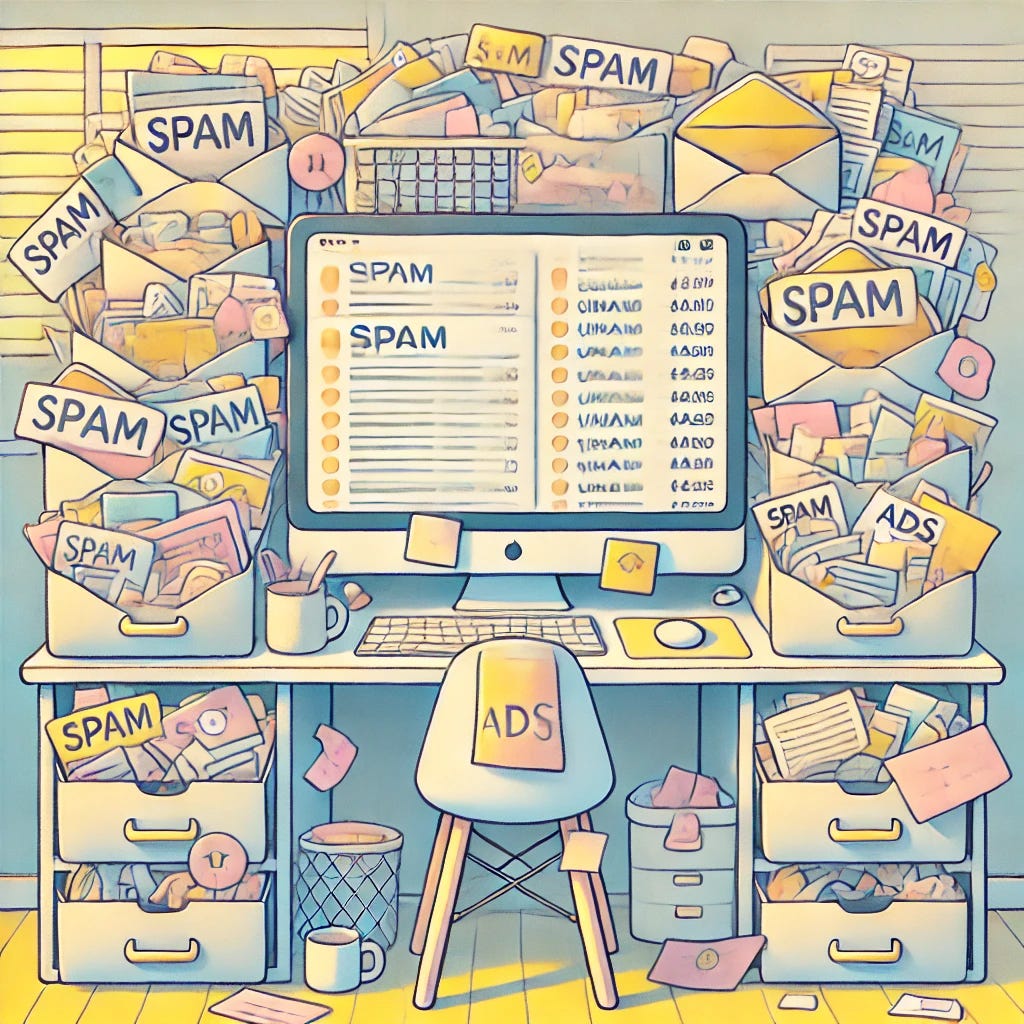
AI-generated image of cluttered desk overflowing with paper and digital junk
This Community Is Powered by You
What started as a small circle has grown into something much bigger, and it’s all because of readers like you.
Every time you forward this email, post it on socials, or bring someone new into the fold, you’re helping build one of the most passionate, independent communities out there.
Want to keep the momentum going?
Share this newsletter with someone who should be part of this conversation.
Thank you for being here. It means everything.
The Email Avalanche: How to Declutter Your Inbox
Let’s start with the digital mess. Our email accounts can often feel like a never-ending dumpster. Don’t stress! Here are some tried-and-true strategies to streamline your email experience.
1. Train Your Spam Filter
Most email providers, like Google and Microsoft, have built-in spam filters. Make sure you’re leveraging this feature. Regularly check your spam folder and flag legitimate emails that may have been misclassified.
Checking the spam folder is essential. Save the community flyer, library newsletter, and school updates from being automatically deleted. Let the random commercial mailings languish with the scams and phishing accounts. Some of your favorite Substackers may be hiding in there too.
2. Unsubscribe and Clean Up
Tired of newsletters you never read? Use services like Unroll.me or Clean.email to unsubscribe from unwanted emails efficiently. This is especially useful for those promotional emails you signed up for “just this once!”
Unroll.me creates a curated roll-up of items to keep, without necessarily taking up inbox space. Mine is set to give me a weekly roll-up I can quickly browse to see if anything is worth opening. I can also quickly unsubscribe from recurring annoyances.
Many spam folders will also include an unsubscribe button for select emails. Knock out a handful per week, and your inbox will be clearer in no time. Best of all, most of these are completely free.
Privacy consideration: Third-party services may need access to your email content or account data. Use caution, and consult privacy policies and reviews.
3. Create a Secondary Email Address
Consider setting up a separate email account for non-essential items such as promotions, coupons, and subscriptions. This keeps your primary inbox clutter-free and helps you avoid missing important messages.
Protecting your primary and professional accounts requires diligence and discipline to keep them clean and easy to use. You don’t need to start over, but you do have to start.
4. Utilize Folders and Filters
Create folders in your email to categorize important messages. Use flags or stars to highlight emails that require follow-up. Once you take action, move them into their respective folders to keep things neat.
Pro-tip: Respond immediately when possible, then move it to the folder so you can easily see what still needs action. Some email platforms also let you set reminders.
5. Block and Report
Got spam emails that won’t quit? Use your email provider's blocking feature and report phishing or scam emails. This helps fine-tune your inbox further. It takes a second, but it can prevent ongoing irritation.
Reporting problematic emails can also protect others from becoming victims of fraud. Aggregated data helps track and stop repeat offenders, but it's harder when few people alert email providers.
Pro tip: It is better to report and block questionable items than attempting to unsubscribe. If an email seems problematic, don’t open it or click anything.
6. Outsource Your Clean-Up
If you'd rather let technology do the heavy lifting and are willing to drop some dough to make the problem go away, consider paid services like Aura or Zerobounce for a more comprehensive solution. Each offers different services, and deciding what is best for you may take some effort.
Some paid platforms can locate your information on the dark web and where junk spammers are selling it. Attacking the problem from spreading may be far more effective if the issue has gotten out of hand.
Bonus: Set a Schedule
Set aside a couple of hours each month to clean out your inbox. Maybe devote half an hour over coffee once a week. Just trade your doomscrolling for fine-tuning your inbox.
Another effective method is to use waiting time to clean out email. Waiting in the pickup line? Delete 10 emails you’ll never use. Stuck at the DMV? Create a few custom folders, such as banking, credit cards, soccer, medical, or other key categories.
With these tools and strategies, you’ll soon have a fresh, manageable inbox that takes little time to maintain.
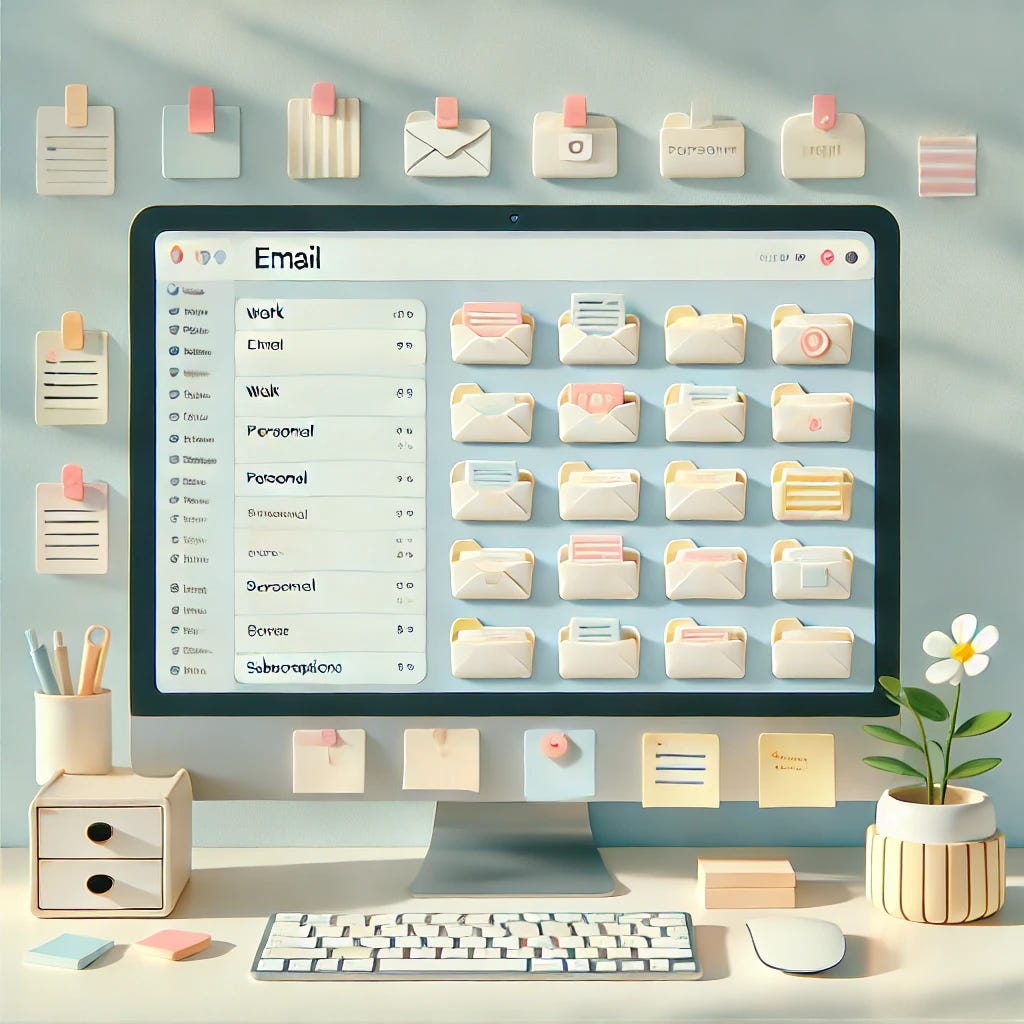
AI-generated image of a computer with organized files
The Physical Pile-Up: Managing Junk Mail at Home
Now, onto the physical mail that seems to multiply overnight. Here are some practical steps to reduce those paper piles:
1. Embrace Opting Out
One way to reduce unwanted advertising mail is to register with DMAchoice, a service operated by the Association of National Advertisers (ANA), formerly the Direct Marketing Association.
DMAchoice is not a government program. Marketer participation is voluntary, and registration will not stop every piece of advertising mail. It primarily affects marketing from companies that use the DMAchoice suppression service, and coverage can last for up to 10 years.
2. Opt-Out of Credit Offers, Too
For additional protection, you can also visit OptOutPrescreen.com to opt out of prescreened credit and insurance offers. This separate program operates under federal consumer credit reporting law.
You can opt out for five years or permanently. The process is straightforward and ensures fewer unsolicited offers cluttering your mailbox. This is especially important as some fraudulent credit applications begin with discarded offers delivered by mail.
3. Set Up a System at Home
Create an efficient mail-handling system. This also works great for email. Use a process:
Keep a trash can and a shredder near your home entrance.
Immediately toss all junk and ads. You won’t look at it later. Be honest. Shred anything containing sensitive information.
Open important mail immediately to perform necessary actions or set it aside in a designated spot.
Follow-up! Set aside a regular time each week to address all mail so you don’t miss deadlines or due dates.
The key is to touch items as few times as necessary. Setting it in a pile to go through later is, alas, not a process. We all know that out of sight often means out of mind.
Pro tip: Keep envelopes, working pens, stamps, and other essentials at your mail station. The brain tingles when you respond within seconds of receiving are next level, and don’t we all need a few more of those?
4. Consider a P.O. Box
If you frequently sign up for deals online, a P.O. box can keep your personal address private and protect it from unwanted solicitations. In a world with less privacy, an extra layer of distance can be a game-changer.
Unfortunately, costs keep rising, and you will need to remember to check it at least monthly. If possible, choose a location near your home or along your usual route to ensure you use it regularly.
5. Go Paperless
Whenever possible, opt for digital statements and subscriptions. This reduces clutter and keeps your finances organized. It may also be a greener option, depending on technology outputs. However, if you don't maintain good inbox hygiene, you're just moving your mess online, and some documents still require a physical backup in an emergency, power outage, or internet outage.

AI-generated image of a tidy home mail station
Wrapping It Up
By implementing these tips and tricks, you’ll reclaim control of your digital and physical space. Remember, the goal isn't just to eliminate clutter, but to curate a more organized, efficient life. Tackle that junk mail and spam with confidence. You've got this!
Got your own tips for reducing clutter? Share them in the comments below!